NASA APOD Scraper
Woop wooop - the day has come! I’m happy to share one of my recent projects here with you. Fun!
Building an Automated NASA Picture Downloader 🚀
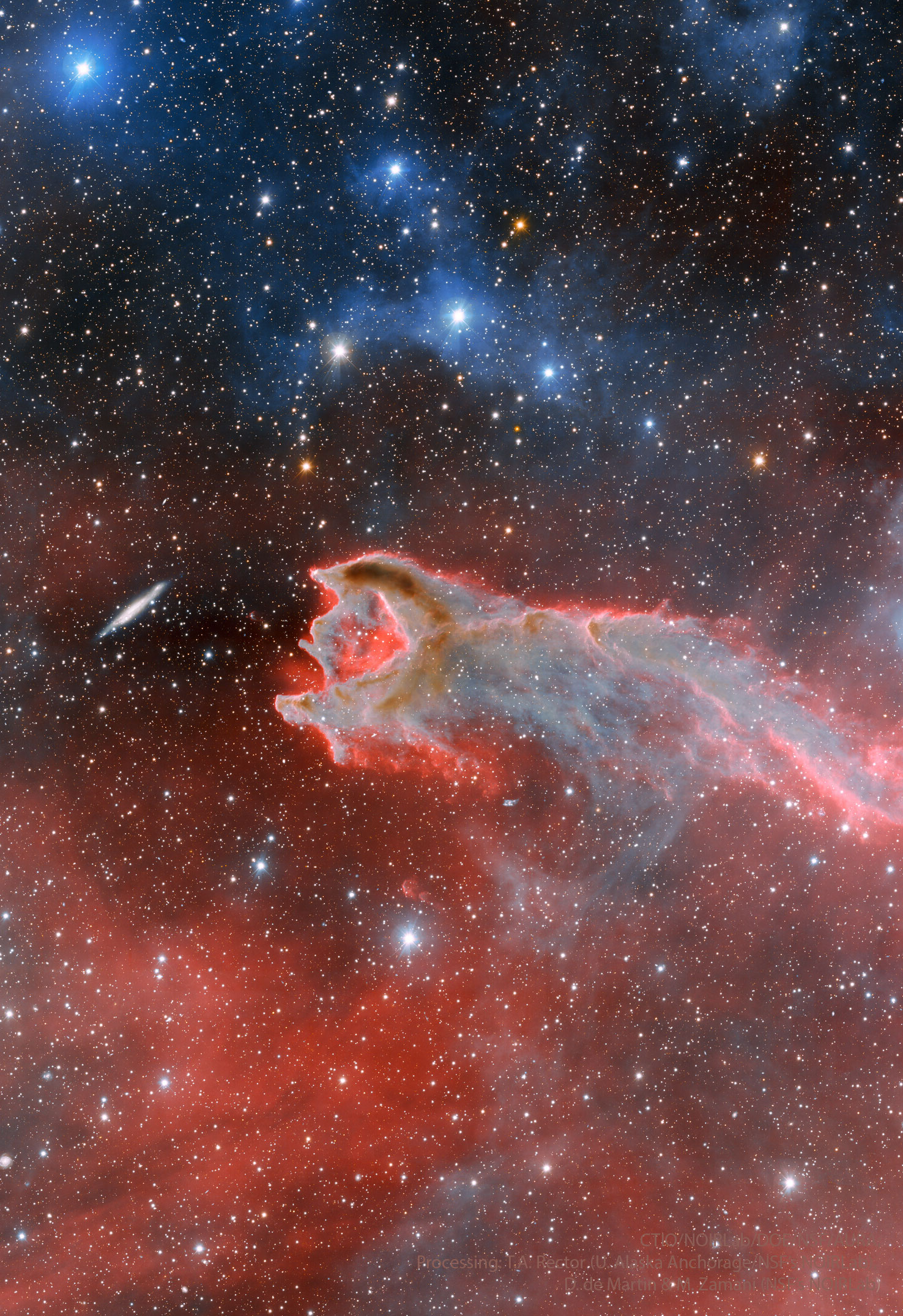
Ever wanted to have stunning space images as your desktop wallpaper? I certainly did! That’s why I created a Python script that automatically downloads NASA’s Astronomy Picture of the Day (APOD) and adds its scientific explanation as a text overlay.
The Idea 💡
NASA offers an amazing service called APOD, where they publish a new astronomical photograph every day along with a detailed explanation. While you can manually visit the website, I wanted to automate this process and create something more: a wallpaper that not only looks beautiful but also teaches you something about space!
Technical Implementation 🛠️
1. Getting Started with NASA’s API
First, I needed to interact with NASA’s API. This required:
- Setting up a free NASA API key (you can get one here)
- Using Python’s
requestslibrary to fetch the daily image data - Implementing proper error handling for API responses
2. Image Processing
The project got more interesting when I added these features:
- Using Pillow (Python Imaging Library) to process the images
- Implementing text wrapping with
textwrapto make the explanation readable - Calculating the optimal font size based on image dimensions
- Positioning the text overlay in a way that doesn’t interfere with the main image
3. Cross-Platform Compatibility
One challenge was making this work seamlessly between WSL (Windows Subsystem for Linux) and Windows:
- Creating temporary storage in the WSL filesystem
- Converting paths between WSL and Windows formats
- Ensuring proper file handling across different operating systems
Code Structure and Best Practices 📝
I structured the code following several key principles:
- Type hints for better code maintainability
- Clear function documentation using docstrings
- Proper error handling with specific exception types
- Modular design with single-responsibility functions
Here’s a quick look at the main workflow:
- Load configuration and API key
- Fetch the daily image data from NASA
- Download and process the image
- Add the explanation text overlay
- Save the final image in the desired location
Learning Outcomes 🎓
This project helped me improve my skills in:
- API Integration: Working with REST APIs and handling responses
- Image Processing: Using Pillow for image manipulation
- Cross-Platform Development: Managing files across different operating systems
- Python Best Practices: Type hinting, documentation, and error handling
Future Improvements 🔮
I’m planning to add:
- Automatic wallpaper rotation
- Custom text styling options
- Support for different image aspect ratios
- A simple GUI for configuration
Try It Yourself! 🚀
Want to give it a try? Check out the project repository and follow the setup instructions. Don’t forget to create your .env file with your NASA API key!
Feel free to contribute or suggest improvements. Happy space exploring! 🌠
Note: This project is open source and available under the MIT license.